Custom fisher and Workshop
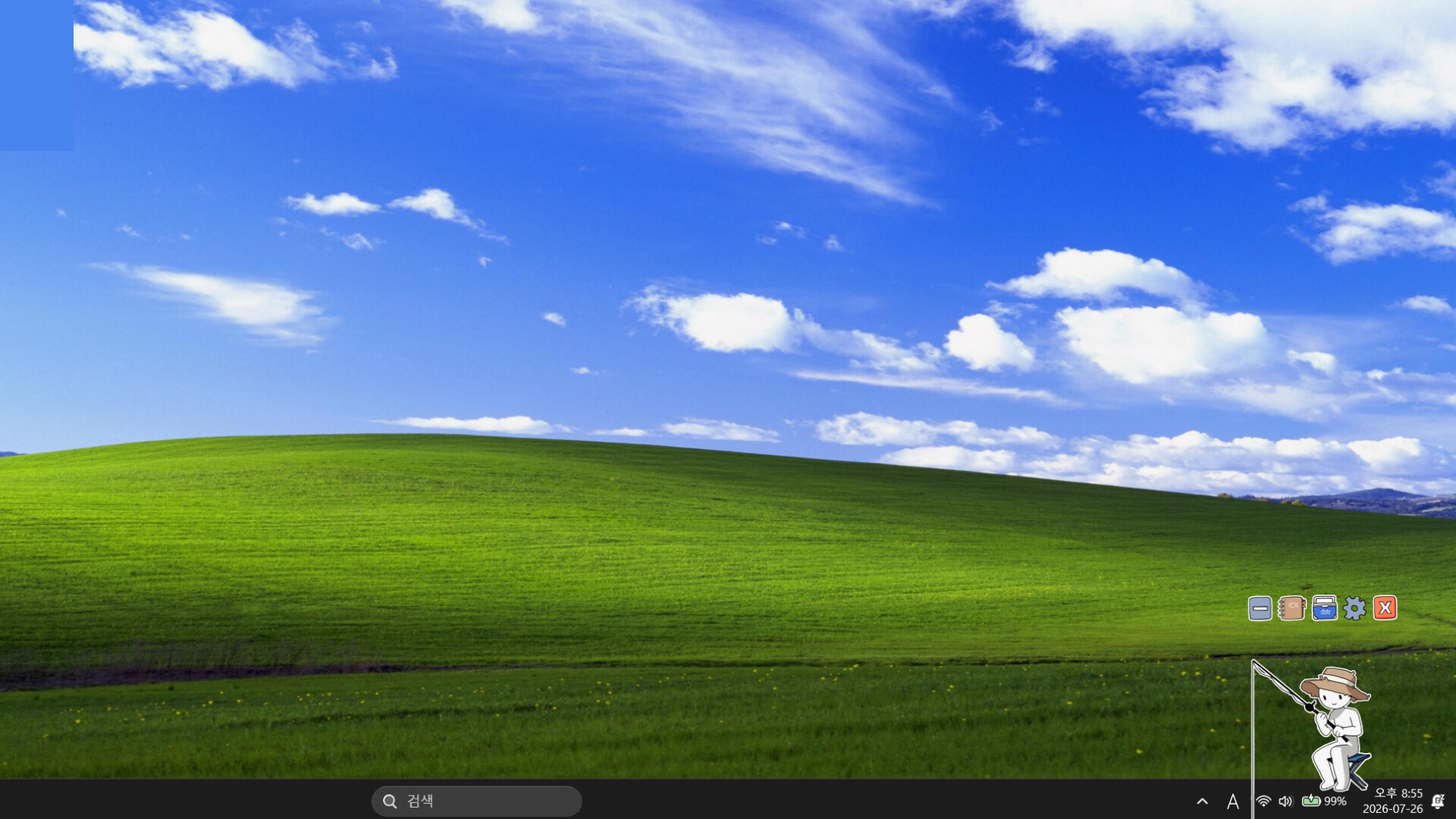
Customise your fisher with your own images and build custom fish; the Workshop holds 477+ items. If the interface disappears, right-click the tray icon and pick restore control position.
Two different customisation layers live in SCREENSIDE FISHER: the stuff the game gives you out of the box (your fisher's look, your own fish) and the Workshop, where other players share what they made. Between the two, the community has already shipped hundreds of cosmetics.
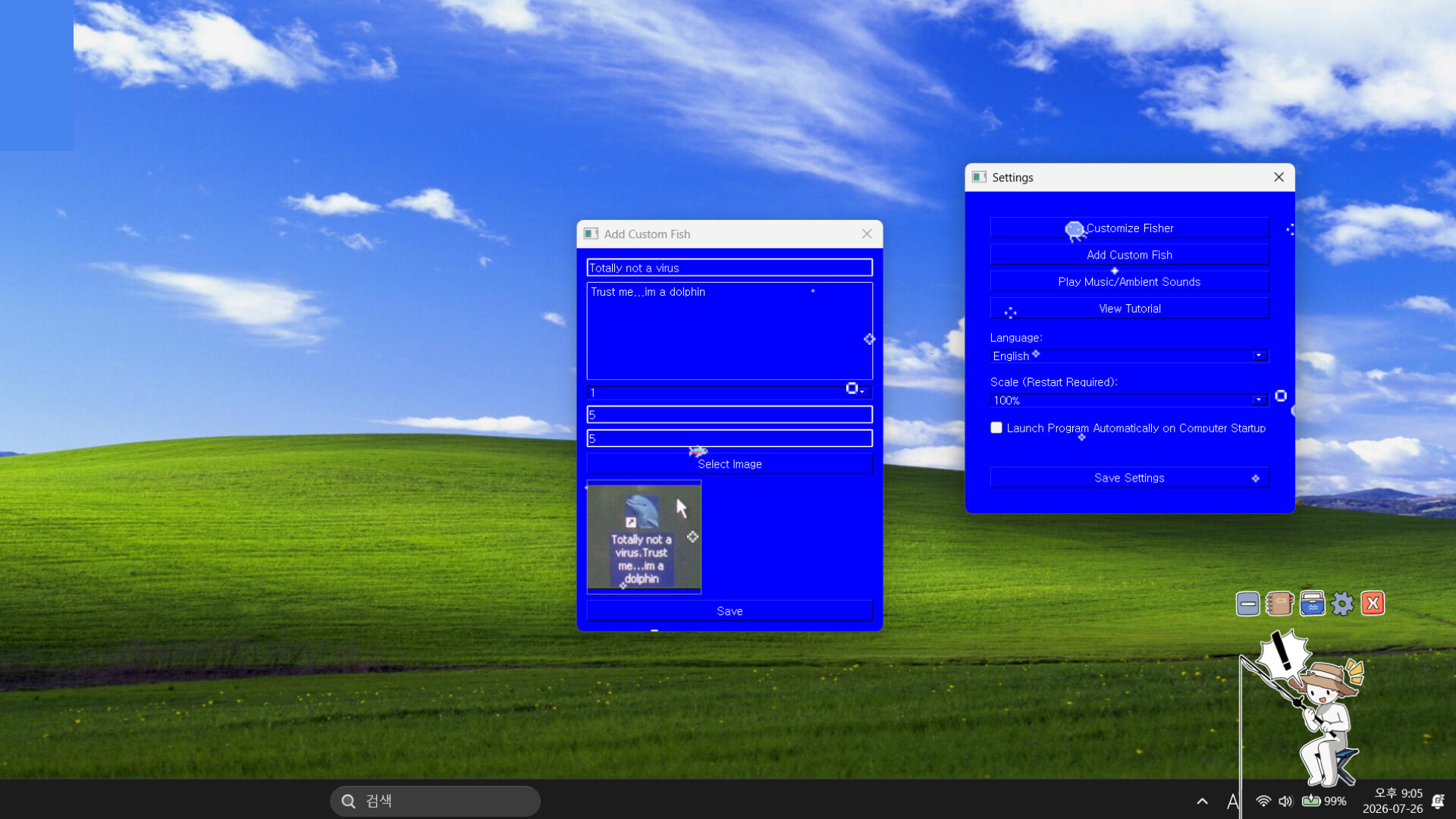
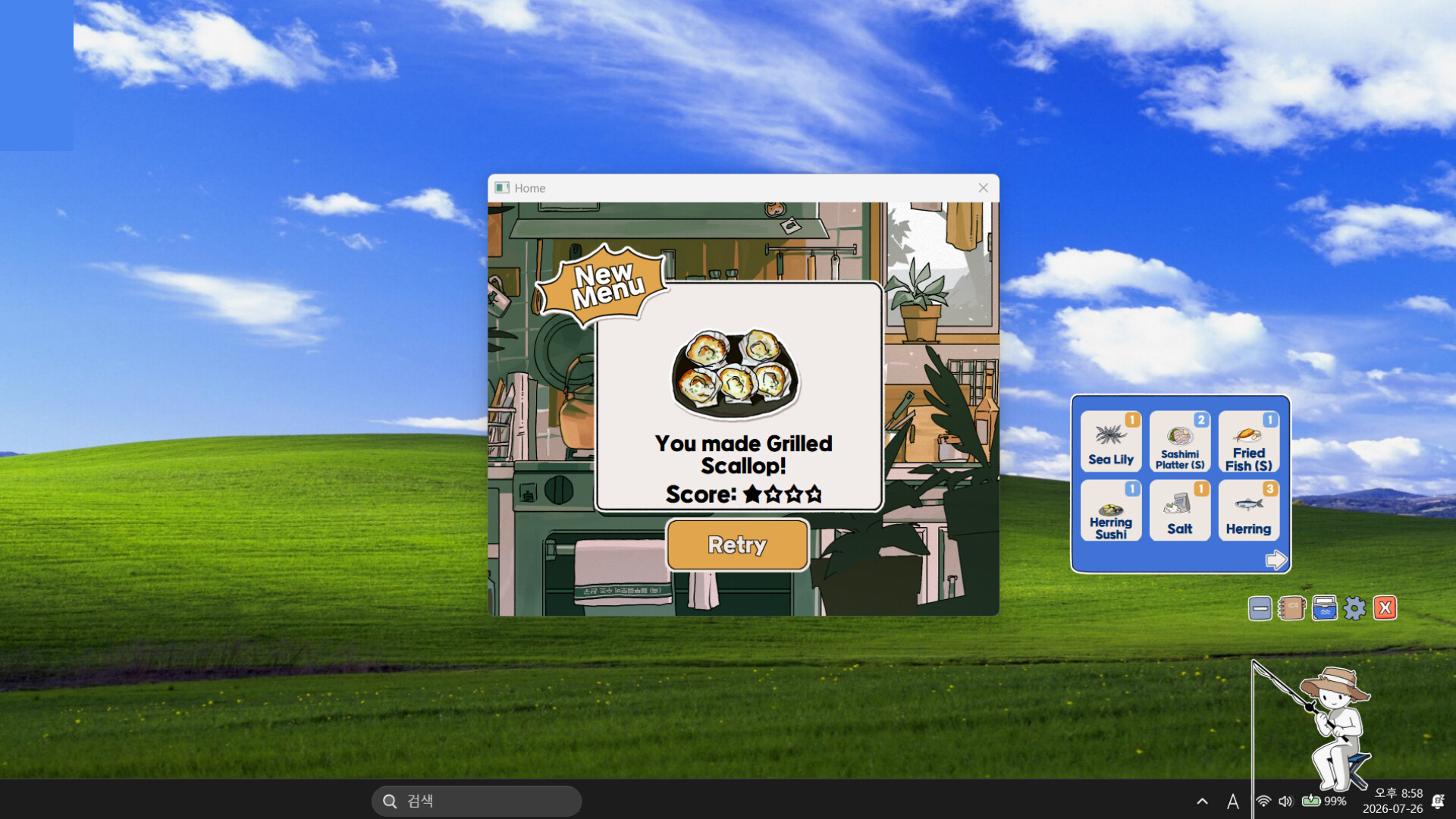
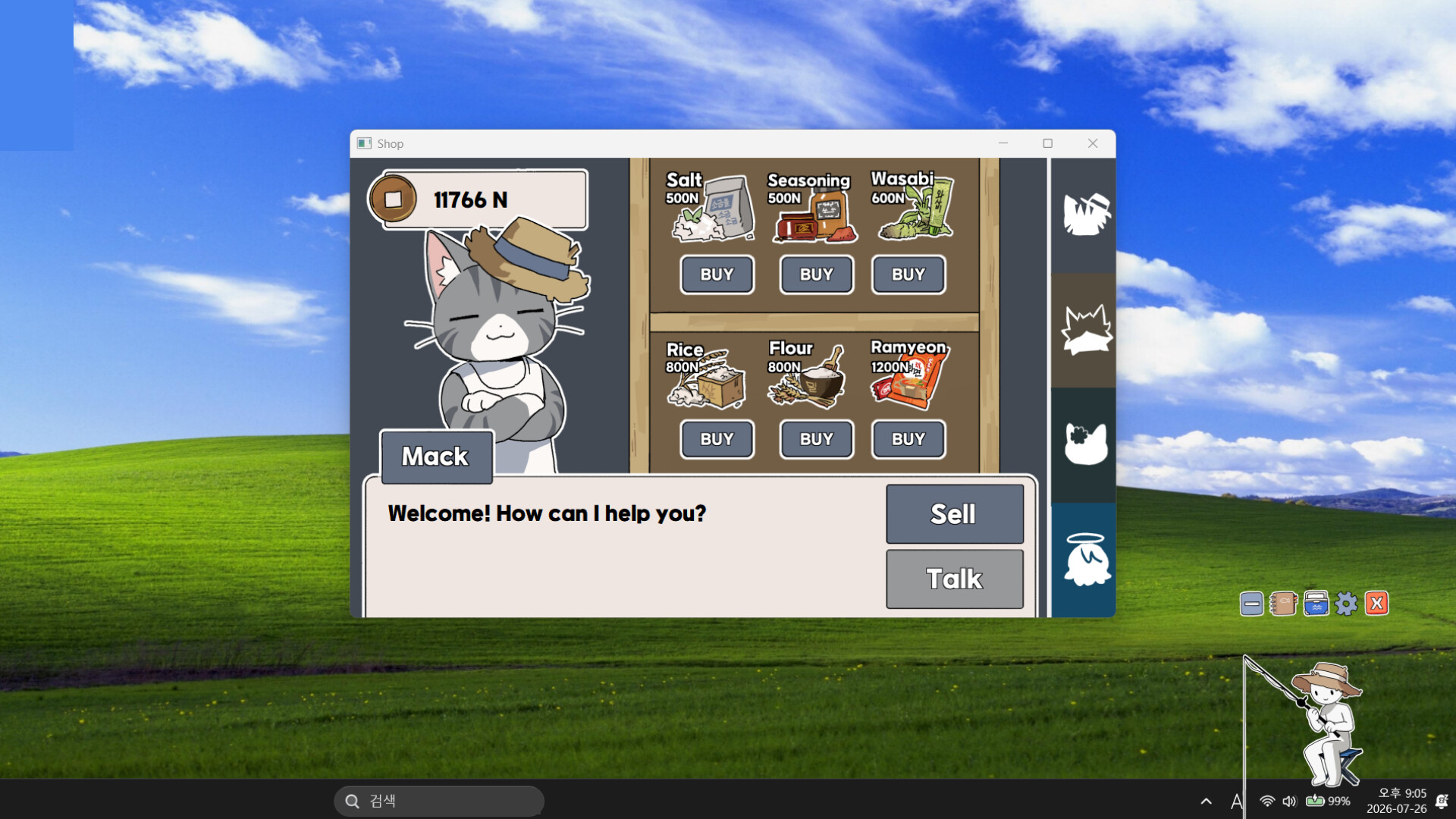
The custom-fish window and settings, stacked on the desktop — this is where most personalisation happens.
Custom fishers: skins from your own images
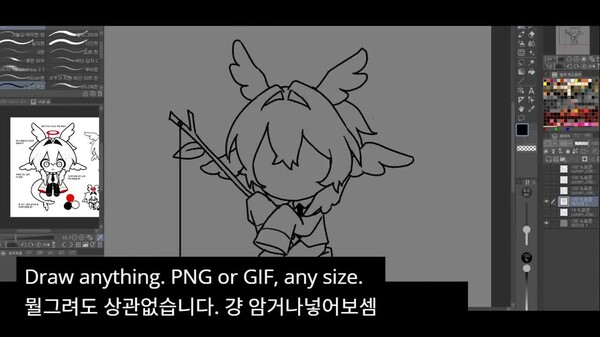
Your fisher's look can be replaced with an image of your choosing — including animated GIFs. Two community findings worth knowing before you get creative:
- Layering. Custom art can sit under the game's default elements rather than replacing them. If a default bubble still shows over your skin, that is why.
- Hiding the "!" bubble. The "!" that pops up on a bite is an image element you can turn off: open the detailed customisation view for your fisher — the "!" toggle sits in its top-left corner. Players who wanted a clean desktop without the indicator use exactly this.
Custom fish: names, sizes, your own artwork
The "Add Custom Fish" window lets you build your own species: name it, give it a size, and drop in artwork. Custom fish behave like any other catch for your catalog. Manage them from the same custom-fish screen.
Workshop fish not showing up? A forum thread describes exactly this: Workshop items downloaded and subscribed, but nothing appearing in "manage my custom fish." The usual cause is timing — fully restart the game after subscribing so it picks up the new files, and double-check you are looking at the right list (fisher skins and custom fish are separate categories). If it still will not appear, re-subscribe from the Workshop page — the item page will also tell you which category it belongs to.
The Workshop
There are 477 Workshop items for this game and climbing (count as of 30 Sep 2026) — custom fishers, custom fish, and whatever else the community dreams up. The game's own store description mentions designing "your very own custom fish to catch", and the Workshop is the natural extension of that. If you have made something yourself, this is also where you share it.
The interface vanished — how to get your controls back
There is a "hide interface" option for clean screenshots and clean desktops. A Korean player reported the scary version: after hiding the interface, nothing brought the controls back. The community fix — acknowledged as the known workaround — is:
- Find the game's icon in the system tray (the ^ arrow area next to your clock).
- Right-click it.
- Choose restore control position ("컨트롤위치 복구").
The controls come back, and no data was ever at risk.
The box-boxes bug (⊠⊠ names)
Chinese-language clients can render some names as placeholder boxes — most visibly Apsu's shop and the rod names, where players have seen rows of ⊠⊠ instead of letters. Switching the in-game language to English or Korean brings the names back. It is a display bug, not missing content: your save and your items are unaffected.
The updates page tracks this one among the other open reports the developer is working through.