Cooking and recipes
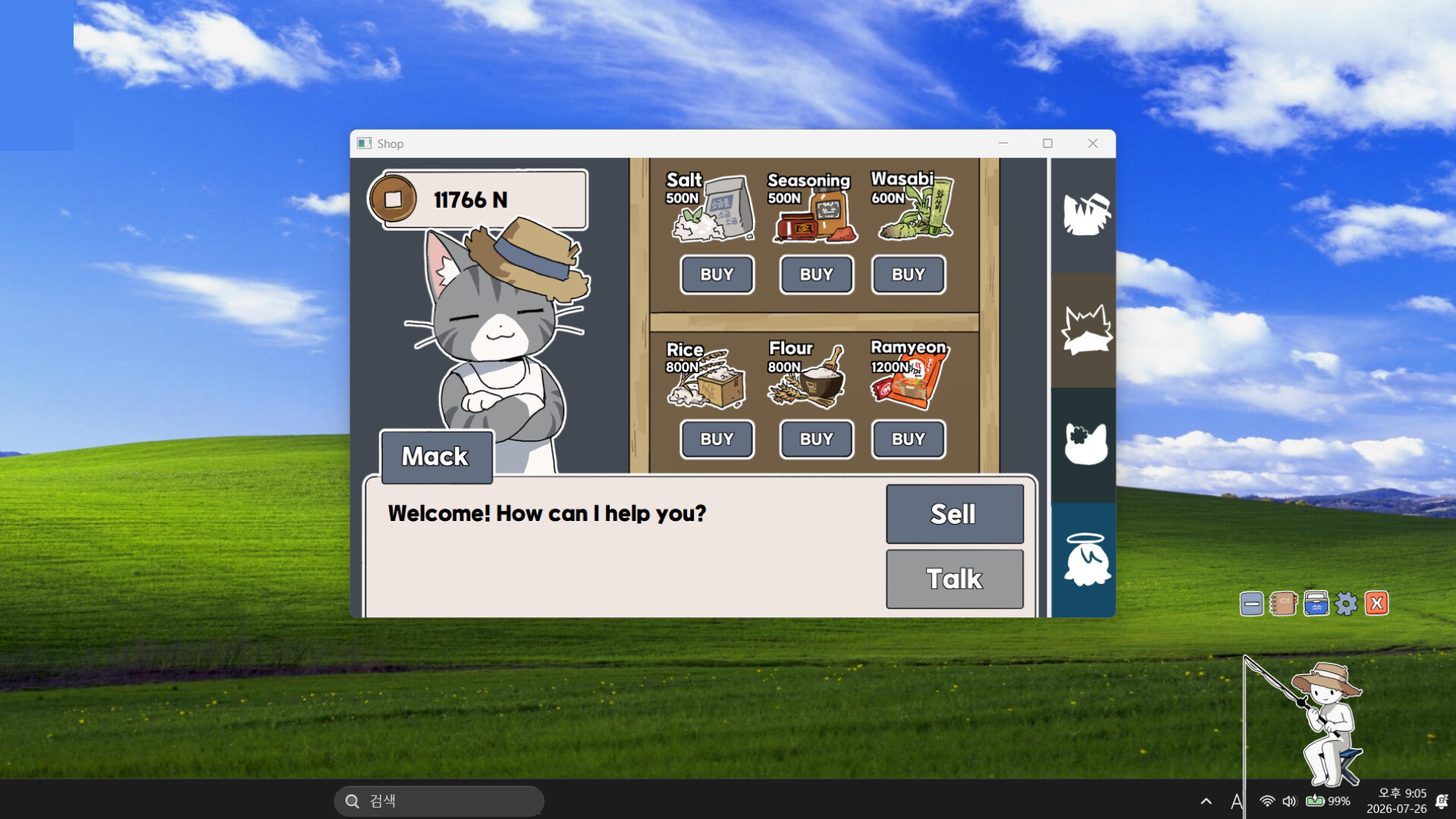
Start with Common Fish + Rice for a seafood rice bowl, add Wasabi for sushi, or pair Other Seafood with Seasoning for seafood stir-fry. Match the catalog size; Times Made counts finished dishes, not ingredient quantities.
Start with the ingredient category in the Recipe Catalog, then check the finished dish's name and size. Common Fish + Rice belongs to the Seafood Rice Bowl family; Common Fish + Rice + Wasabi belongs to Sushi. A named fish can also have its own recipe, such as Salmon + Salt for Salmon Steak.
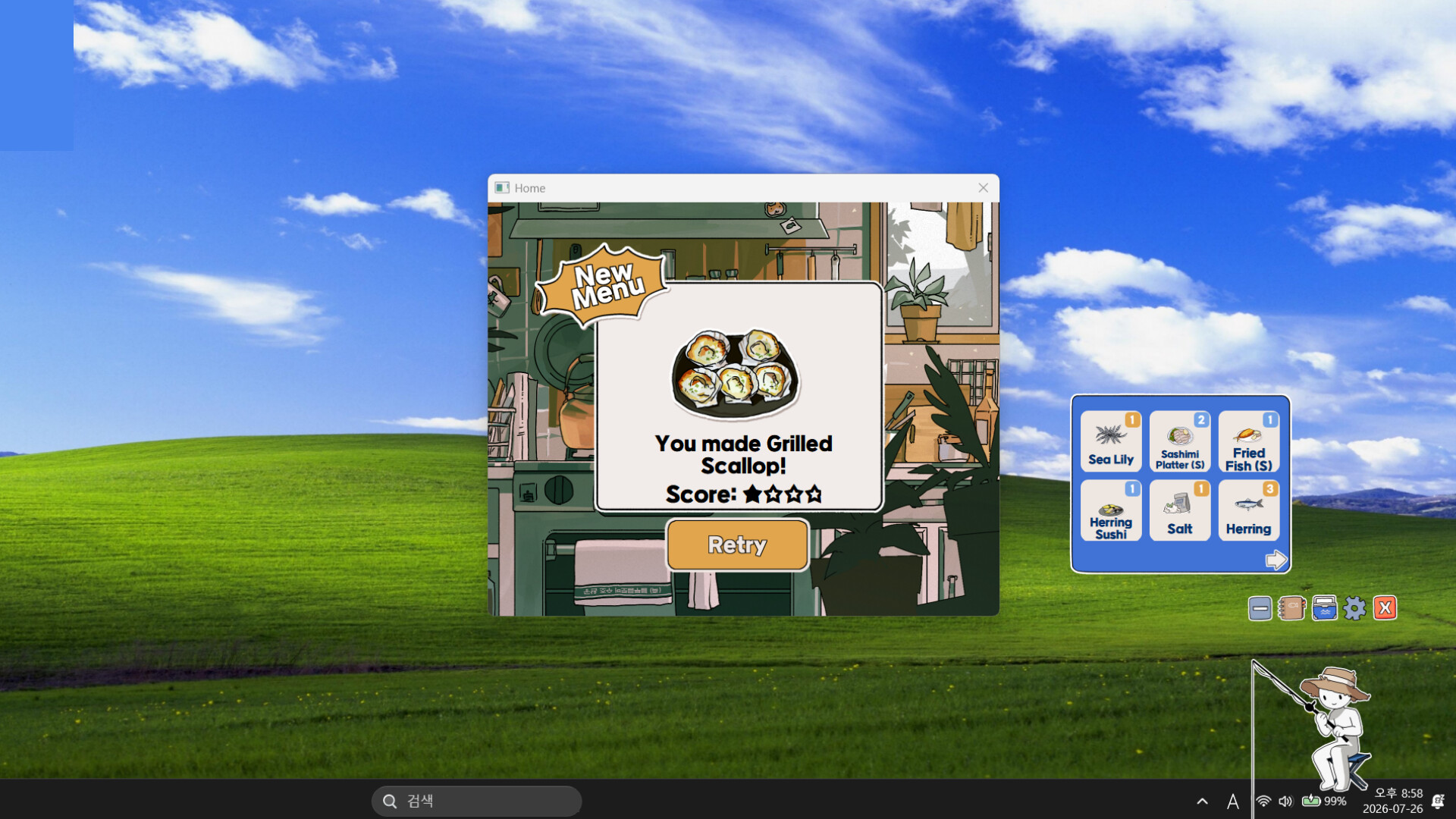
Read the catalog before using another fish
The catalog separates the dish title, ingredient line, High Score and Times Made. Times Made is how often that dish has been prepared, not the number of fish required. A row showing “Times Made: 12” does not ask you to add twelve fish. Stars record the result's quality; they are a different target from discovering another named dish.
Read Common Fish and Other Seafood as ingredient categories. Swapping a fish for a jellyfish can change the recipe family, not just the portion size. The tables below group useful combinations by what you need to keep in storage.
Basic recipe families
| Dish or family | Ingredient line | What to check |
|---|---|---|
| Sashimi Platter | Common Fish | Small, medium and large are separate catalog results |
| Seafood Rice Bowl | Common Fish + Rice | Adding rice changes the family from plain sashimi |
| Grilled Fish | Common Fish + Salt | Do not substitute Flour for Salt |
| Fried Fish | Common Fish + Flour | Different from the salted grilled family |
| Spicy Fish Stew | Common Fish + Seasoning | Check the resulting size as well as the family |
| Seafood Stir-fry | Other Seafood + Seasoning | The large entry is a common final-catalog block |
| Seafood Pajeon | Other Seafood + Flour | Use the seafood category, not the ordinary fish row |
| Seafood Instant Noodles | Seafood + Instant Noodles | Plain Instant Noodles is a separate entry |
| Sushi | Common Fish + Rice + Wasabi | Different named fish also produce named sushi entries |
These are the ingredient combinations shown by the recipe book. They do not turn every species into the same dish: if a fish has a specific recipe, compare that named entry too. Keep Rice, Salt, Flour, Seasoning and Wasabi available so a new catch can fill more than one part of the catalog.
Named recipes worth checking
| Recipe | Ingredients |
|---|---|
| Yellowtail Sashimi | Yellowtail |
| Salmon Sashimi | Salmon |
| Blanched Octopus | Octopus |
| Raw Oysters | Oyster |
| Jellyfish Salad | Jellyfish |
| Poke | Tuna + Rice |
| Salmon Oyako-don | Salmon + Rice |
| Eel Rice Bowl | Eel + Rice |
| Salmon Steak | Salmon + Salt |
| Salted Mackerel | Mackerel + Salt |
The sushi pages extend the same idea: Salmon, Tuna, Olive Flounder, Sardine, Yellowtail, Seabream, Herring, Mackerel, Eel, Shrimp, Octopus, Abalone, Sea Urchin and Pufferfish each have a named sushi entry with Rice + Wasabi. Finishing the generic Sushi row does not fill all of those species rows automatically.
For example, saving a Salmon lets you check its sashimi, rice-bowl, steak and sushi entries instead of selling it immediately after its first catalog appearance. Choose the missing recipe first, then assemble its other ingredients; random combinations can keep repeating a dish you already have.
Large Seafood Stir-fry: family and size both matter
The recipe family uses Other Seafood + Seasoning. The Small, Medium and Large results occupy different rows, so another Medium success will not complete the Large slot. Compare the size of the selected seafood and the exact result title, rather than treating a high star score as a size upgrade.
Player discussions describe jellyfish and sea urchin attempts for the large version. Use those as candidate seafood, then confirm that the result actually says Large. The catalog's Times Made counter is not a fixed “two ingredients” requirement. Patch 1.0.5 improved the Large Seafood Stir-fry recipes, so use the current game when repeating a launch-era attempt.
Special Orders and getting a missing fish
Special Orders ask for a particular dish. Match its name and size before spending a rare catch; a five-star Medium dish is still Medium when the request is for Large.
The September 30 update added Hunting Requests after handling Delivery Orders: request a fish and receive it for cooking or the aquarium. This helps when a recipe needs one species that your current catches are not supplying. The October 1 patch fixed the request list appearing only in Korean and added selling options by star rating. See the update history for those changes.
Keep cooking ingredients separate from fish reserved for the aquarium. Also check any star-based selling option before clearing inventory, so a dish you intended to deliver does not disappear in a bulk sale.
A practical completion pass
- Check missing titles in the catalog, not just the total number made.
- Finish the generic fish families, keeping track of S/M/L where the book splits them.
- Work through the species-specific sashimi, bowls, grilled dishes and sushi entries.
- Inspect the plain Salt, Seasoning, Wasabi, Rice, Bread and Instant Noodles entries too; the book includes them alongside seafood dishes.
- Revisit Special Orders and five-star targets separately from first-time discoveries.
| What keeps happening | Change next |
|---|---|
| Same dish, higher score | Look for a missing title or size; score alone does not make another recipe |
| Medium instead of Large | Recheck ingredient size and the final result label |
| Generic family is complete, sushi set is not | Work through the named fish sushi rows with Rice and Wasabi |
| One species will not bite | Check the unlocked Hunting Request system |
| A few book slots remain after seafood | Check the plain ingredient and bread/noodle entries |
Catalog references: Mimis' multilingual dish catalog, eatfooddrinkwater's complete catalog images, and official updates. For catches and equipment, continue with rods and Luck.